Help Centre
The Client Portal
24/7 secure access to what matters most, only at ADVICIFAS.
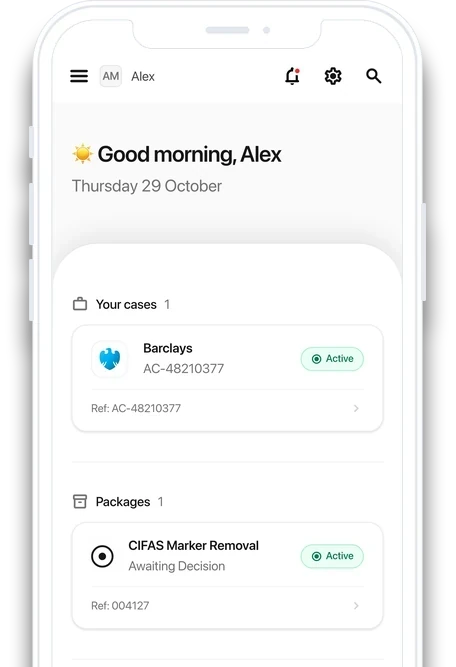
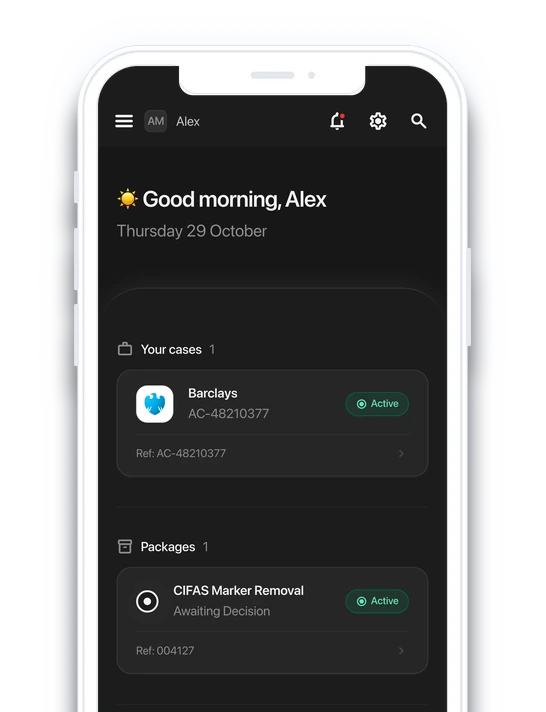
Looking for something?
Search our guides to the Client Portal, or browse them all under Learn how to use it.
Powerful Tools for Client Care
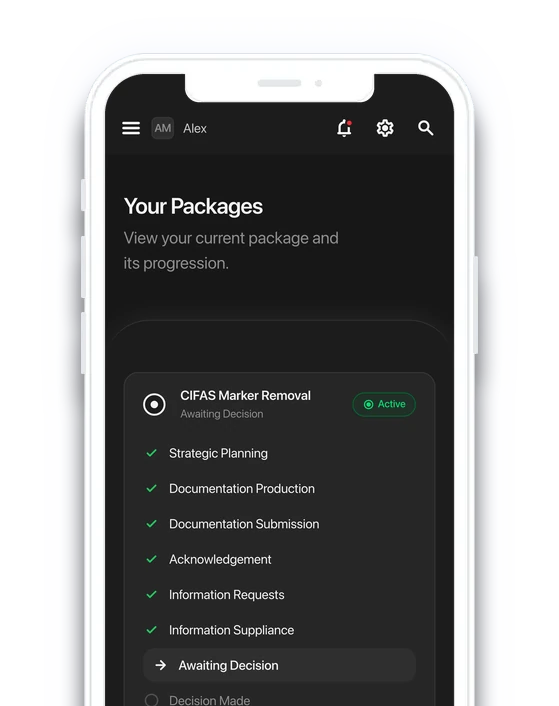
Track your case with ease 24/7
Our visual progress tool shows your current stage, upcoming steps, and estimated timescales, so you always know what's next.
Visual ServicesJoint Users
Add unlimited joint users to your portal, giving them secure access to upload documents, request updates, and manage your case.
Set Up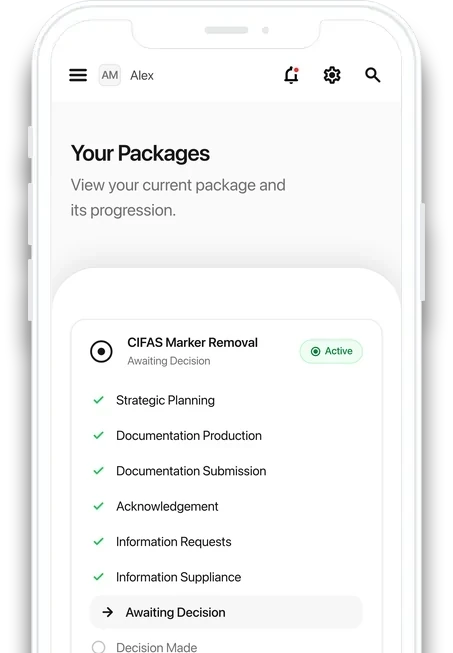
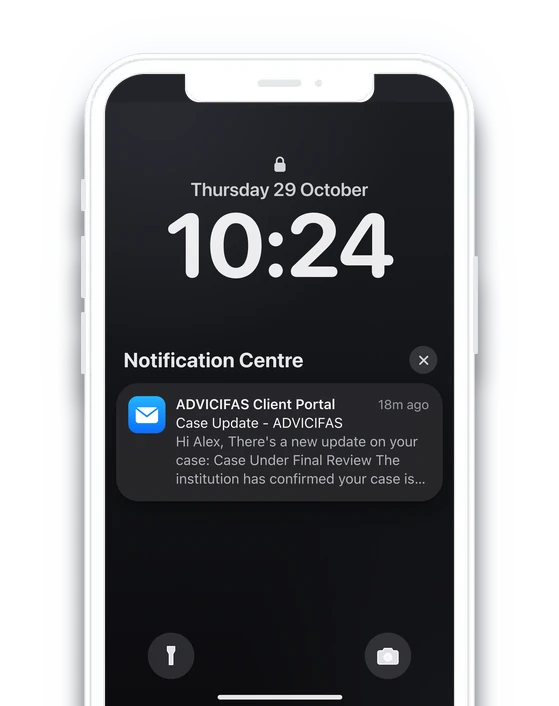
Instant Notifications
Receive real-time updates whenever there's progress on your case, keeping you informed without needing to chase.
NotificationsSecure Document Hub
Store, access, and manage all your case documents in one encrypted location, ensuring 24/7 availability, with zero risk of loss or exposure.
Document Hub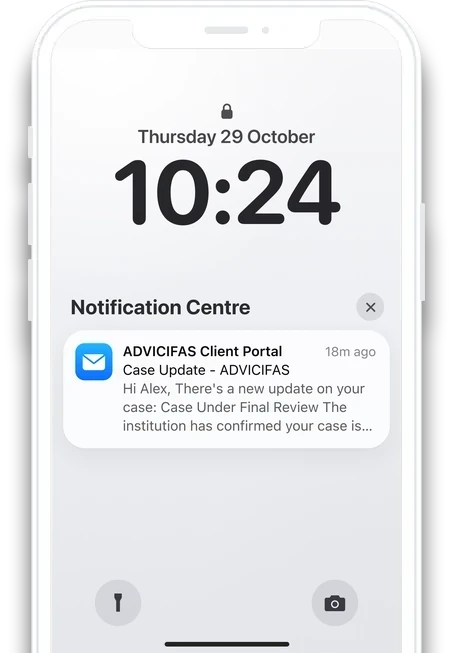
Web-App Security
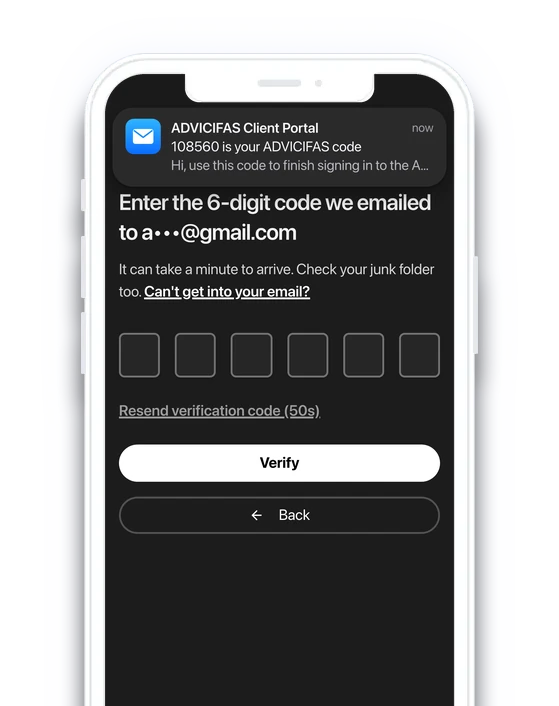
Two-Factor Authentication (2FA)
Every log in is protected by mandatory two-factor authentication, adding a critical layer of security beyond passwords to safeguard your data.
More about 2FAGeo-Restrictions
Our app is secured with regional access controls, ensuring only approved locations can reach the portal, blocking unauthorised access globally.
More about geo-restrictions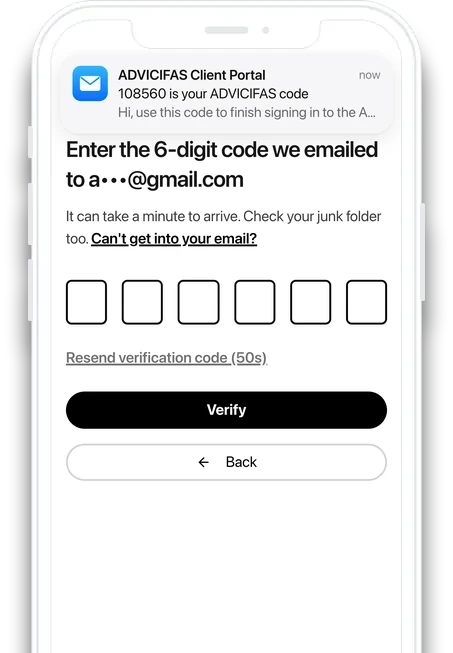
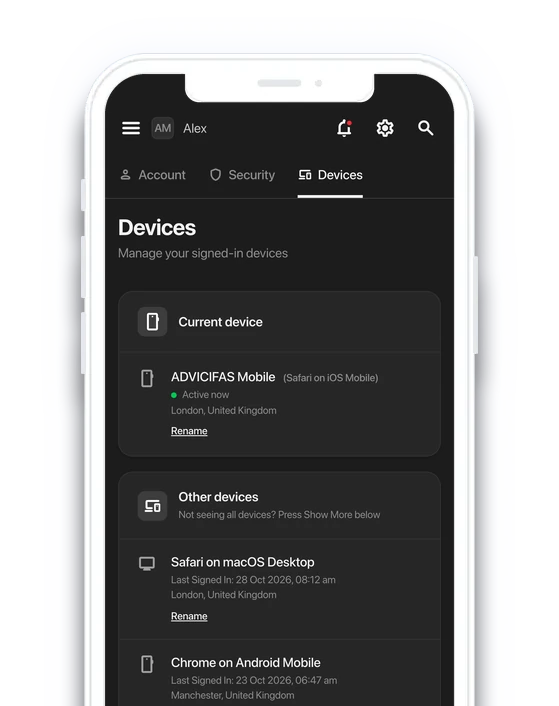
Full Device Control & Monitoring
Stay in control of your portal with real-time device tracking, fingerprinting, and the ability to instantly log out from all devices for maximum protection.
More about device managementSecure Log-In with Apple & Google
Log in using Apple or Google for enterprise-level security, eliminating password risks and leveraging built-in two-factor authentication protections.
More about OAuth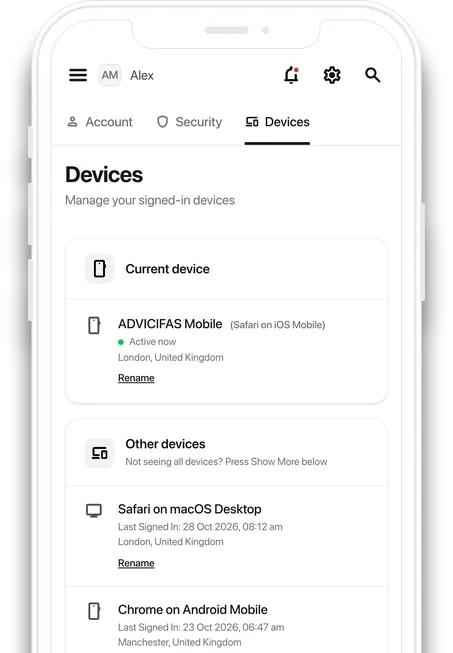
Learn how to use it
Client Care
Profile & Settings
Payments
Profile & Settings
If something isn't covered
If there's a topic you need support on but it isn't currently listed above, let us know by either speaking to your specialist directly, or sending us an email at [email protected]. We'll then update this page so that our clients can read up on that topic too.
Frequently Asked Questions
The Client Portal is your secure platform where you can track your case progress, access important documents, and receive updates in real time.
It is a mandatory part of our Client Care Services to ensure transparency, efficiency, and full protection of your information.
The Client Portal is the only official way we provide updates, share documents, and communicate progress on your case.
Without registering, your case cannot move forward.
Yes. The portal uses bank-level encryption, mandatory two-factor authentication (2FA), device fingerprinting, and geo-restriction safeguards to protect your data and account access.
Absolutely. The portal is fully responsive and works on desktops, tablets, and smartphones.
However, to access the Client Portal, you must be on a UK-based residential IP address without a VPN, Proxy Server, or OVH. Usage of such services may result in an automated permanent suspension of the IP address associated.
Yes. We've configured it so that anytime there's a change, be it an update, edit, or removal, you are updated in real-time through your portal's notification panel, and via email.
The portal includes a secure recovery system to help you reset your password quickly whilst maintaining full account protection.
Unfortunately, for security, there's currently no system implemented to find out your User ID. If you forget your User ID, reach out to us at [email protected].
We'll need to ask you some questions to verify your identity, prior to handing you a User ID.
Getting started with the app
The Client Portal
Join our 100+ Clients already using it.
- Simple and secure login.
- Real-time notifications for everything.
- Accessible 24/7.

The Client Portal is a vital part of our Client Care Services.
It is the only official channel through which we provide updates, documents, and progress reports.
Without registering and actively using the portal, you will not receive updates on your case, and our team will be unable to move your matter forward.