After payment, your dashboard shows your active case (or cases, if you have multiple markers). Each case has its own page with six tabs.
advicifas.org/dashboard
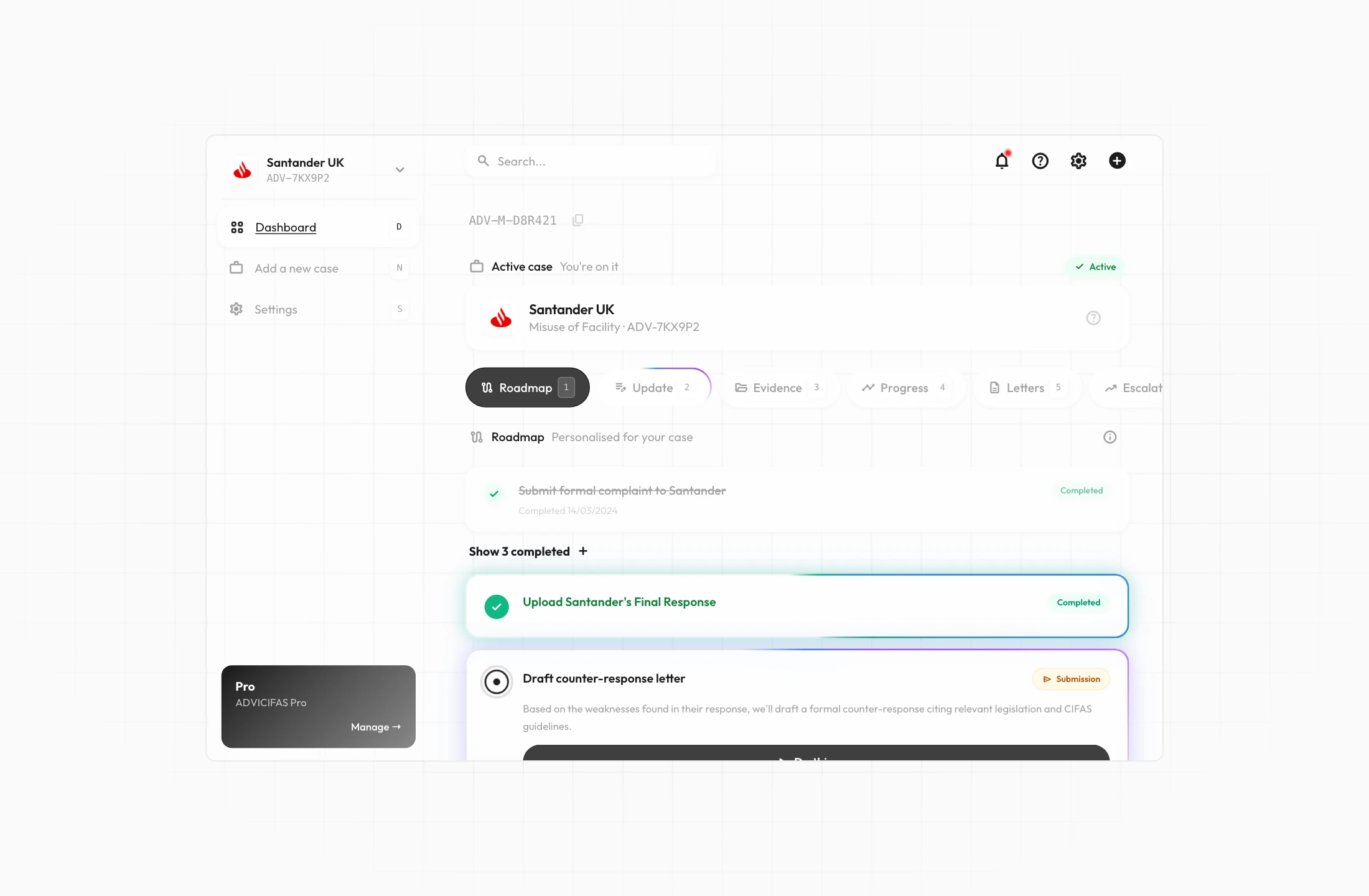
The tabs
- Roadmap: your step-by-step challenge plan. Active steps at the top, pending steps below, completed steps collapsed at the bottom. This is your default view. See What is the roadmap.
- Update: record case updates (institution contact, life impact, deadline information, personal details changes, or general notes). Updates feed into your case analysis.
- Evidence: view all uploaded documents with their ratings and findings. Each document shows whether it's rated "use" or "don't use" and why.
- Progress: a timeline of everything that's happened in your case (letters sent, responses received, steps completed, updates recorded).
- Letters: every letter generated for your case, with type badges, send dates, and institution response outcomes shown inline.
- Escalation: your current pressure phase, letters sent count, days since case opened, and institution response count. See How the system manages escalation.
Case info
Tap the info icon on your case page to view your full case analysis: narrative, strengths, weaknesses, key facts, latest response analysis, and vulnerability flags.
Multiple cases
If you have markers from multiple institutions, each one is a separate case. You can switch between them from the case selector. See Switching between cases.
